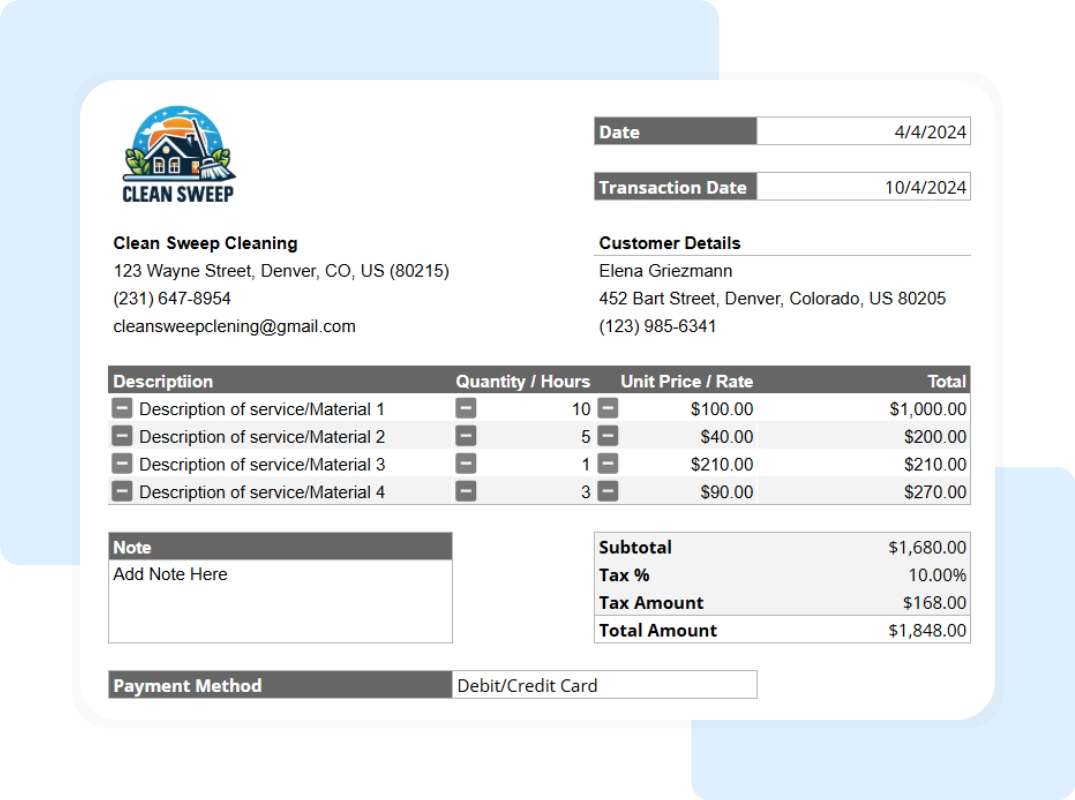
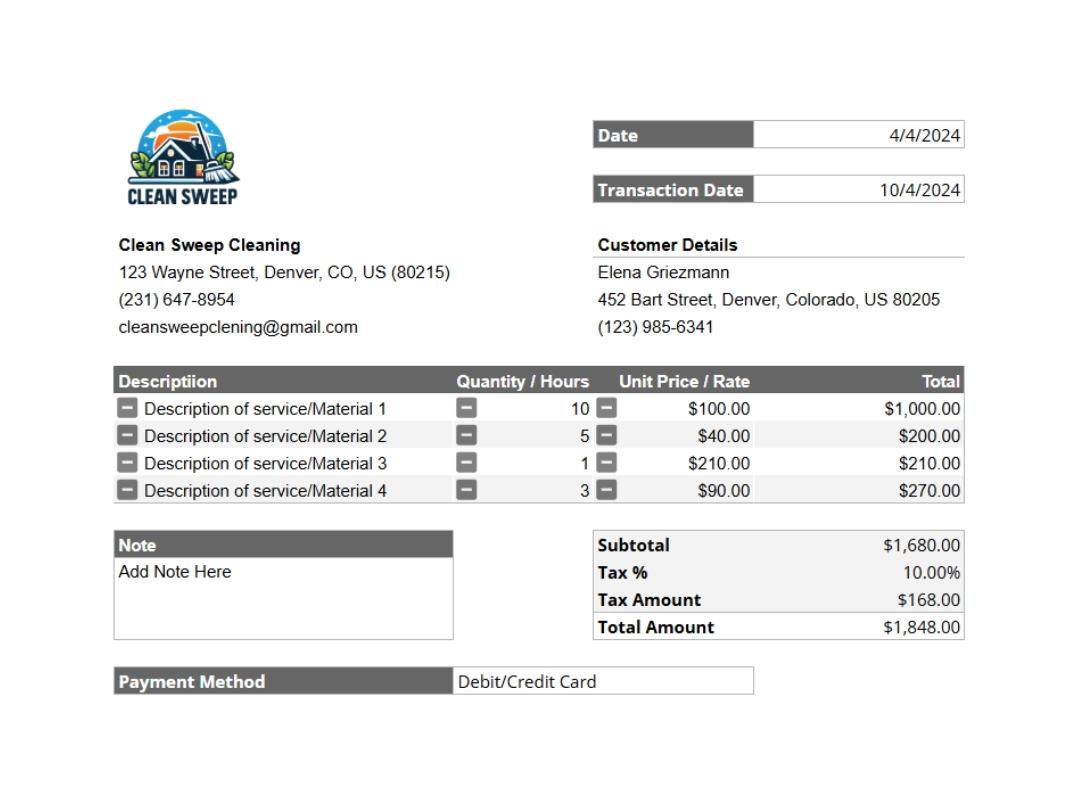
Detailed List of Services Itemize the services that the payment covered. This list should match the services detailed on the original invoice. It confirms exactly what the client paid for, preventing any future confusion.
Payment Summary This is the core of the receipt. It should include:
- Subtotal: The total cost of services before tax.
- Taxes: Any applicable taxes.
- Grand Total: The total amount that was due.
- Amount Paid: The exact amount the client paid.
Payment Method Note how the payment was made—for example, by credit card, check, cash, or online transfer. This is useful information for your financial records.
Getting Started with Your Free Receipt Template
Our Google Sheet receipt template is designed for ease of use. Follow these steps to create a professional proof of payment in minutes. For your convenience, a copy of these instructions is also included on the ‘Instructions’ tab within the Google Sheet itself.
Important First Step: Make a Copy of the Template Before you begin, you must save a copy of the Google Sheet to your own Google Drive. The original template you receive is view-only. This ensures every user starts with a clean, original version. To make your own editable copy, simply:
- Open the Google Sheet.
- Go to the File menu in the top-left corner.
- Select Make a copy. Your new, editable version will open, and you can now follow the steps below.
Step 1: Customize with Your Business Information Open your copied Google Sheet. In the header section, replace the placeholder logo with your own. Then, type in your company name, address, and contact details. You only need to do this once; save this file as your master receipt template.
Step 2: Enter Client and Receipt Details For each new receipt, fill in the client’s name and address. Assign a unique receipt number and enter the date you received the payment.
Step 3: List the Services Provided In the main section of the receipt, list each service the client paid for. Enter the quantity or hours and the rate for each service. The template will automatically calculate the total for each line item.