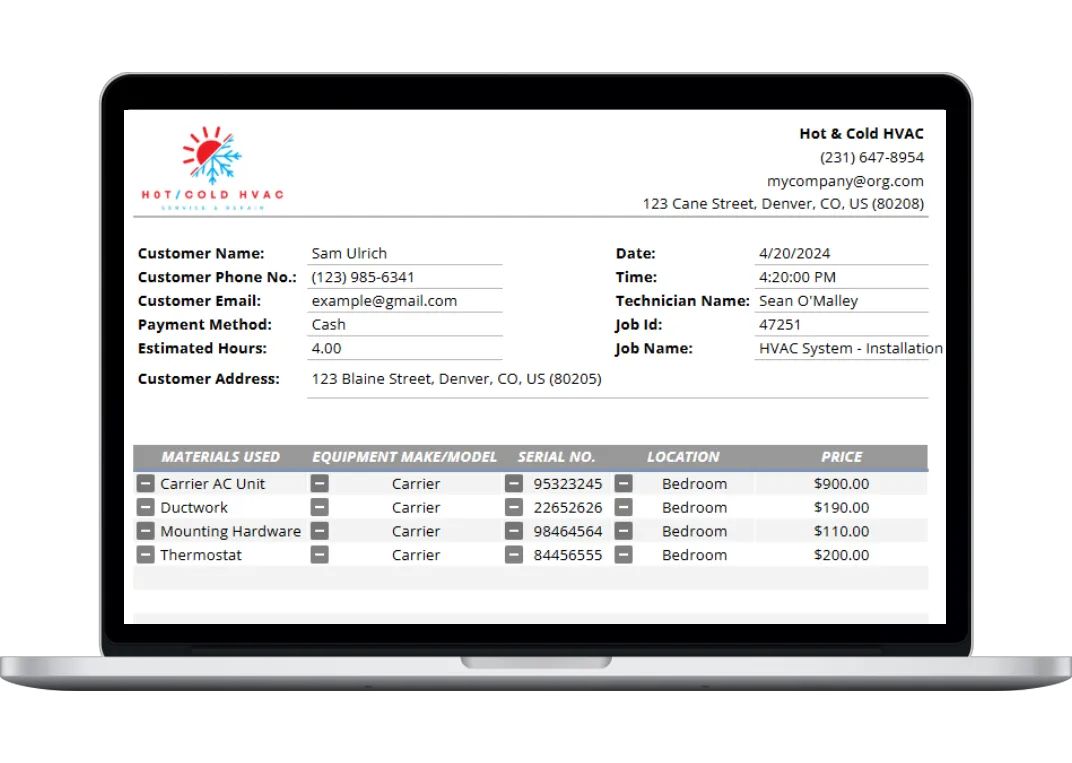
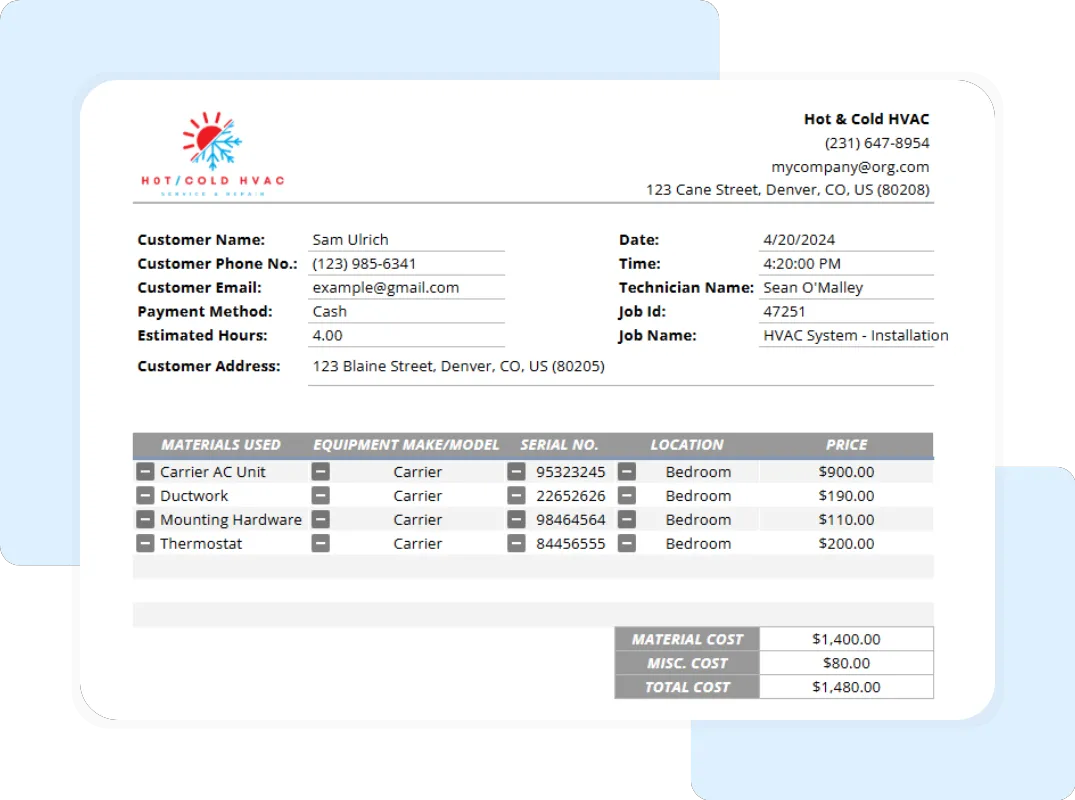
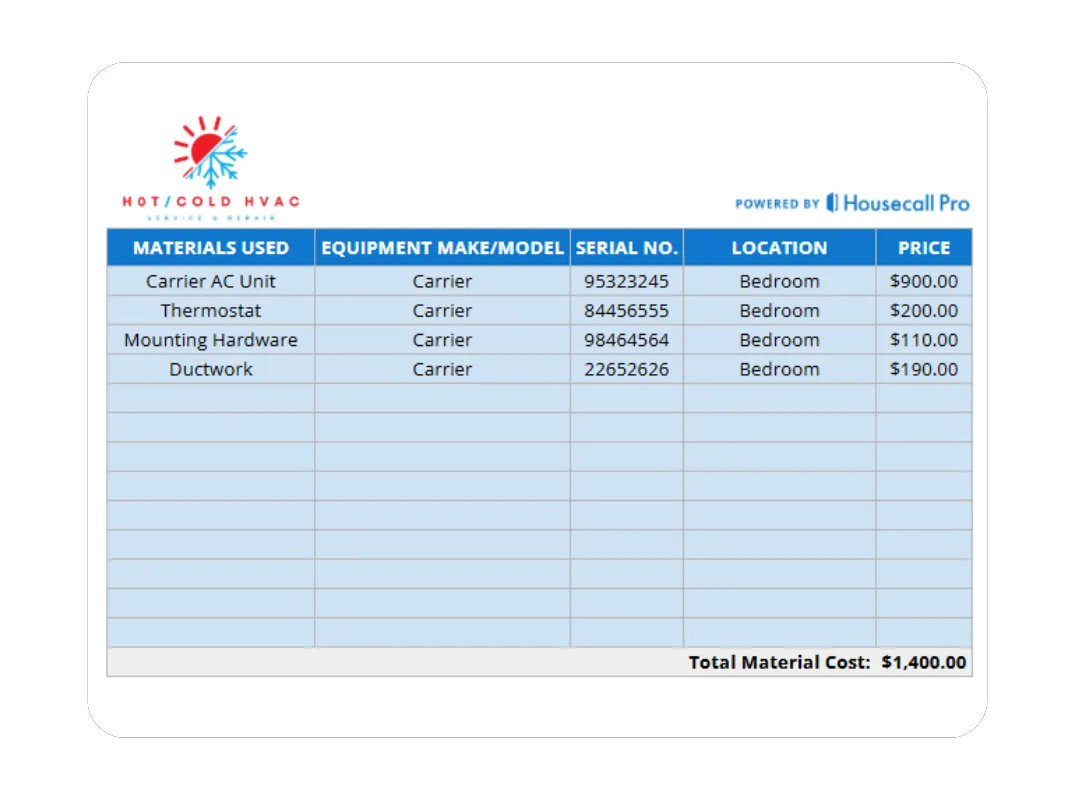
Simplify Record Keeping Inspection reports and completed tickets serve as incredibly reliable records for EPA compliance, maintenance history tracking, future inspections, and general audit support. When a customer calls a year later asking if their system is still under warranty, your office staff can simply pull up this standardized digital record, locate the model and serial number instantly, and provide world-class customer service without needing to send a truck back to the property.
How to Use the HVAC Service Ticket Template
This robust template can be seamlessly completed in the field via tablet or laptop and used efficiently in the office as a core part of your daily workflow. Follow these straightforward steps to standardize your process:
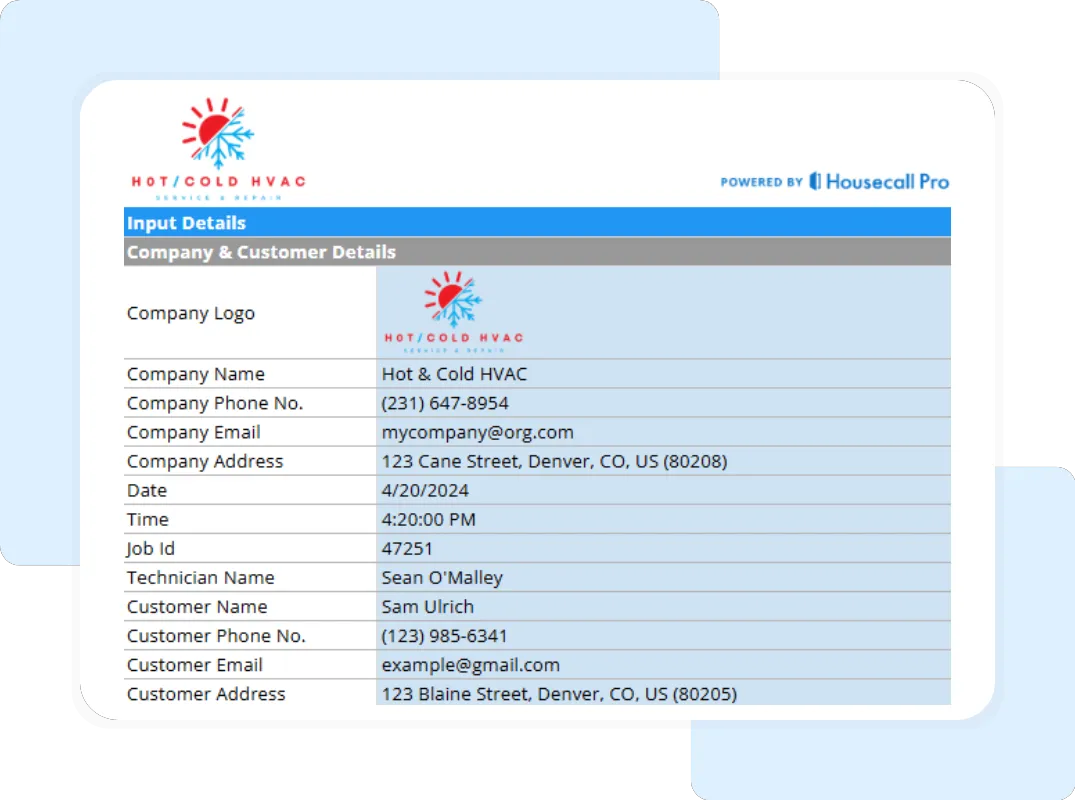
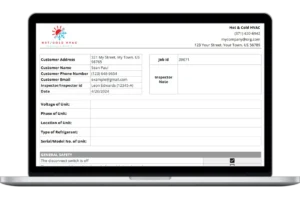
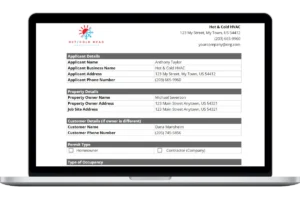
Step 1: Enter Basic Information Start by navigating to the Company & Customer Details tab. Record the customer’s name, contact information, job location, and the precise date and time of the inspection or service call.
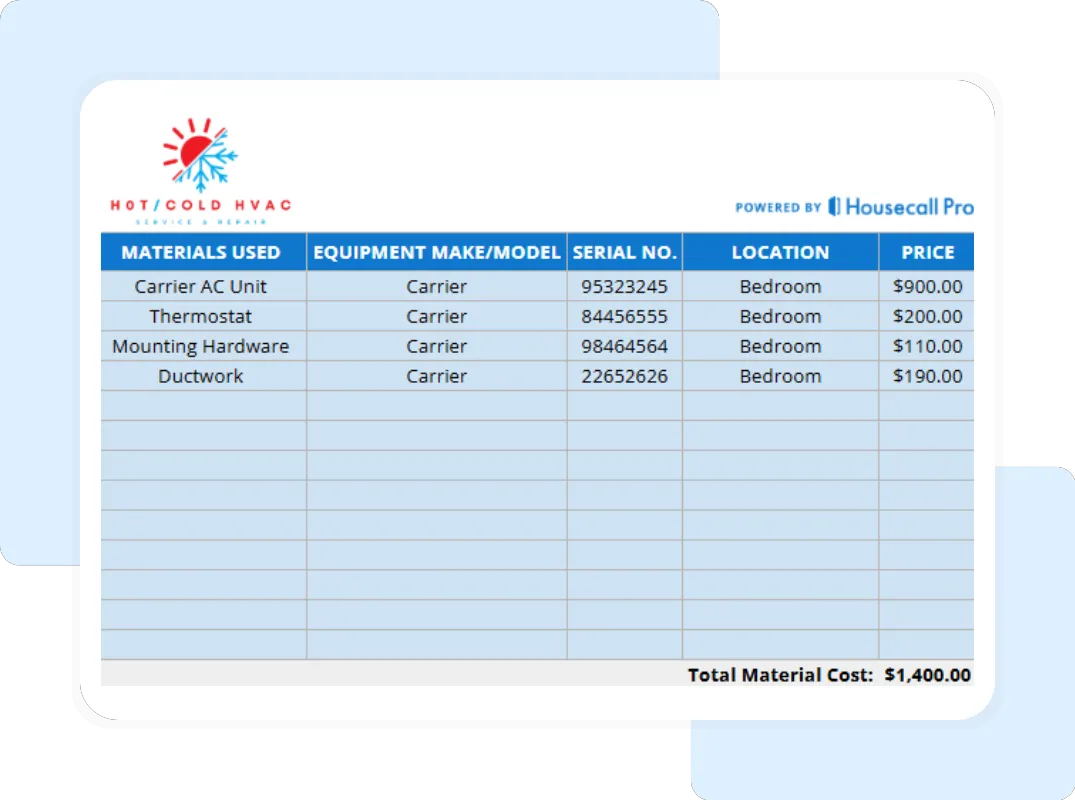
Step 2: Describe the Inspection and Equipment Provide context for the service visit. Jump to the Ticket Details tab to note the Service Type (Repair, Maintenance, etc.) and record the specific equipment criteria, including the Brand/Model and Serial Number of the unit being serviced.
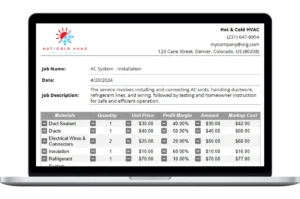
Step 3: Document Observations and Work Performed Work methodically through the Work Performed section. Use clear, factual language to write the Description of Work. Make sure to accurately list all Parts Used, unit prices, and Labor Hours to ensure billing accuracy.
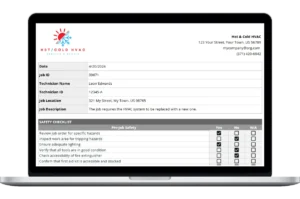
Step 4: Add Photos and Visuals If applicable in your workflow, use your device to take images that illustrate key findings, such as a burnt contactor or frozen coil, to accompany your detailed notes and measurements.
Step 5: Provide Recommendations Based entirely on your technical findings, write actionable recommendations in the designated field. Be clear about priorities, equipment lifespan, and any immediate safety issues like carbon monoxide risks.